Amxx Round Message
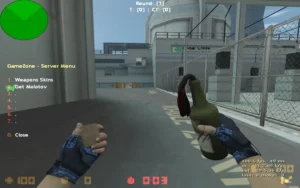
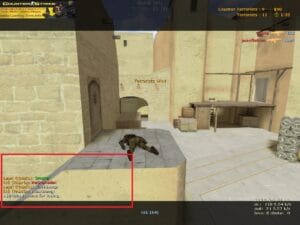
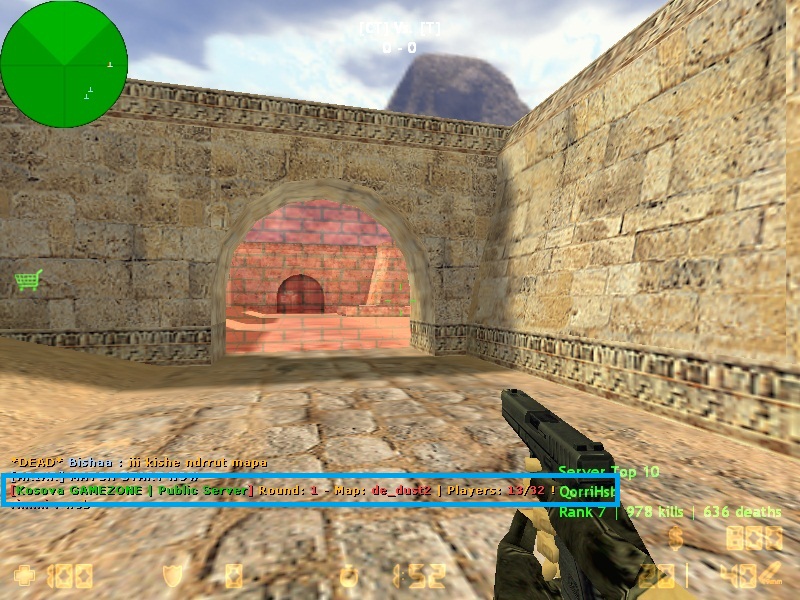
The plugin is used to indicate which round, which map we are in, and the number of players on the server, in color from the starting number of each round .

Cvar commands;
- amx_playsound 1 (On) 0 (Switch off) (Voice command)
- amx_chatmessage 1 (Open) 0 (Close) (Plugini on / off command)
.

.
Setup;
- 1. File “round_chat_msg.sma” to / cstrike / addons / amxmodx / scripting folder.
- 2. File “round_message.txt” to / cstrike / addons / amxmodx / data / lang folder.
- 3. “round_chat_msg.amxx” file to / cstrike / addons / amxmodx / plugins folder.
- 4. Add “round_chat_msg.amxx” to the bottom line of the /cstrike/addons/amxmodx/configs/plugins.ini file.
- 5. Finally restart the server, or change map.!
Related Posts:Admin Mark (Special hat for admins) plugin
TOP PLUGINSStatsX Shell NEW TOP15 , RANKSTATS
TOP PLUGINSSimple Admin Models CS 1.6
TOP PLUGINSAdmin Spectator ESP plugin (version 1.3) for cs 1.6
TOP PLUGINSTop10 Knife Kills Show Best Player with Knife
TOP PLUGINSDamager Hits for Counter-Strike 1.6
TOP PLUGINSPlugin admin skins [admin models] for cs 1.6
TOP PLUGINSDon't stay zoomed more than 3 sec.
TOP PLUGINSHUD C4 Timer AMXX Plugin
TOP PLUGINSSimple Lastround Fix
TOP PLUGINSPlugin StatsX GUI 1.8 (player statistics) cs 1.6 - ENGLISH
TOP PLUGINSAMXX AFK Manager - Afk to Spec
TOP PLUGINS
Admin Mark (Special hat for admins) plugin
TOP PLUGINS
StatsX Shell NEW TOP15 , RANKSTATS
TOP PLUGINS
Simple Admin Models CS 1.6
TOP PLUGINS
Admin Spectator ESP plugin (version 1.3) for cs 1.6
TOP PLUGINS
Top10 Knife Kills Show Best Player with Knife
TOP PLUGINS
Damager Hits for Counter-Strike 1.6
TOP PLUGINS
Plugin admin skins [admin models] for cs 1.6
TOP PLUGINS
Don't stay zoomed more than 3 sec.
TOP PLUGINS
HUD C4 Timer AMXX Plugin
TOP PLUGINS
Simple Lastround Fix
TOP PLUGINS
Plugin StatsX GUI 1.8 (player statistics) cs 1.6 - ENGLISH
TOP PLUGINS
AMXX AFK Manager - Afk to Spec
TOP PLUGINS