Create CS Source Offensive v1.1 Server – Windows
Create CSSO v1.1 Server – Windows
Step 1 – To Create CSSO v1.1 Server on Windows the first you must download the full game CS Source Offensive
Download Full Game CSSO v1.1 – https://gaming-zone.info/csso/
After Download Extract folder Counter-Strike Source Offensive in your local disk or desktop.
.
.
Step 2 – Download Files to Create Server on windows
.

.
Step 3 – Extract Files to folder Counter-Strike Source Offensive
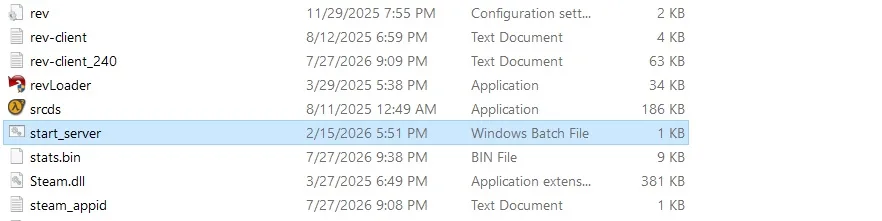
To start Server open file start_server
.
.
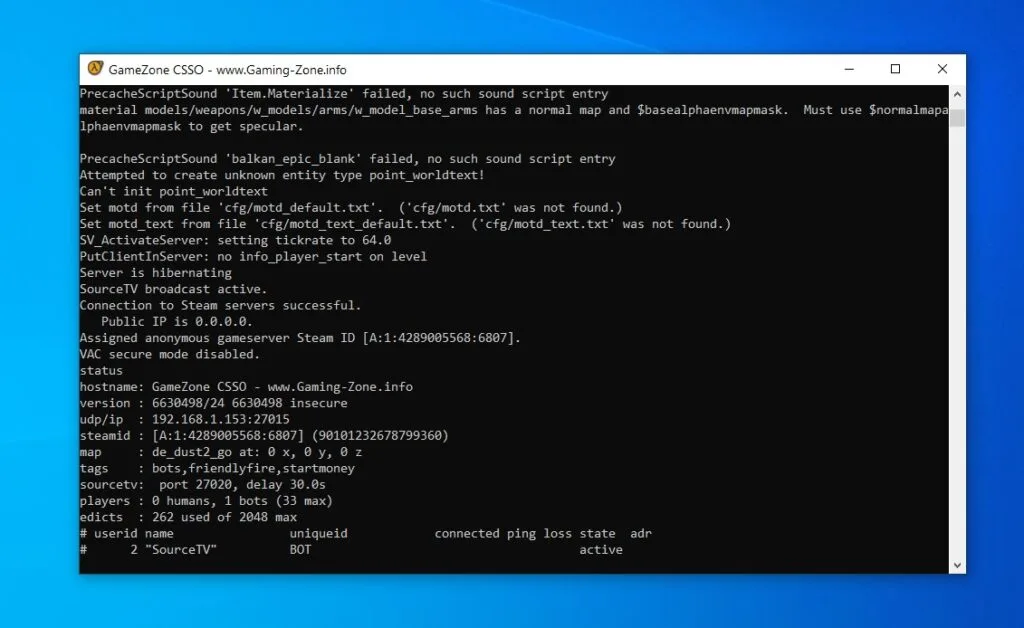
.
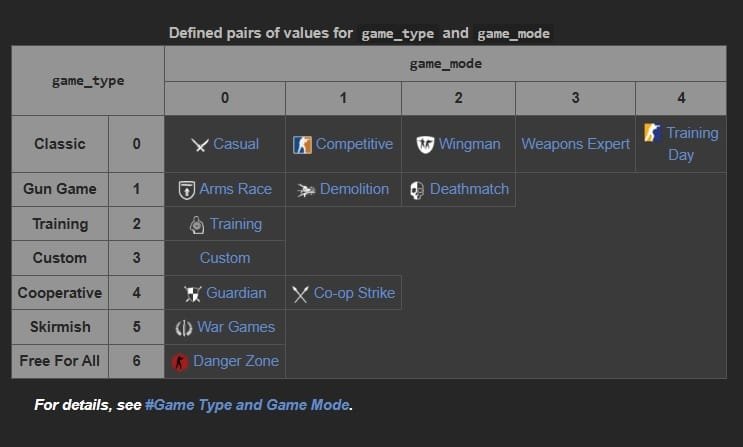
The game is in Casual Mode to change Game mode Competetive , Deathmatch or other gamemode
change cvars to csso/server.cfg
.
.
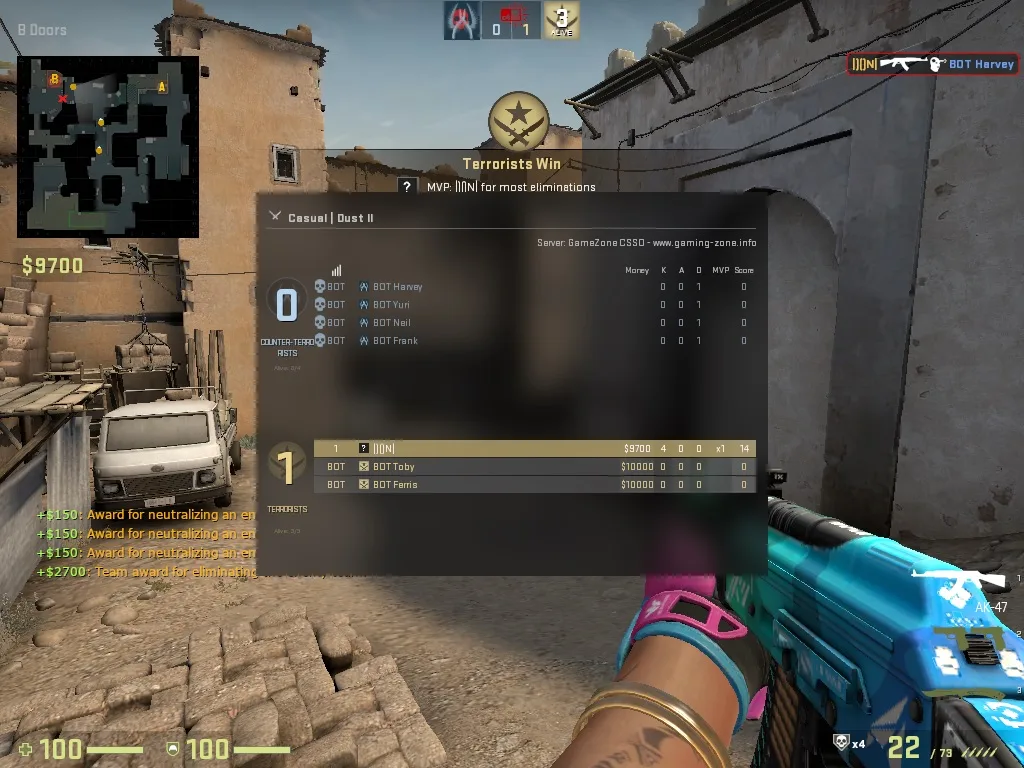
.
Create CS Source Offensive v1.1 Server – Windows
About The Author