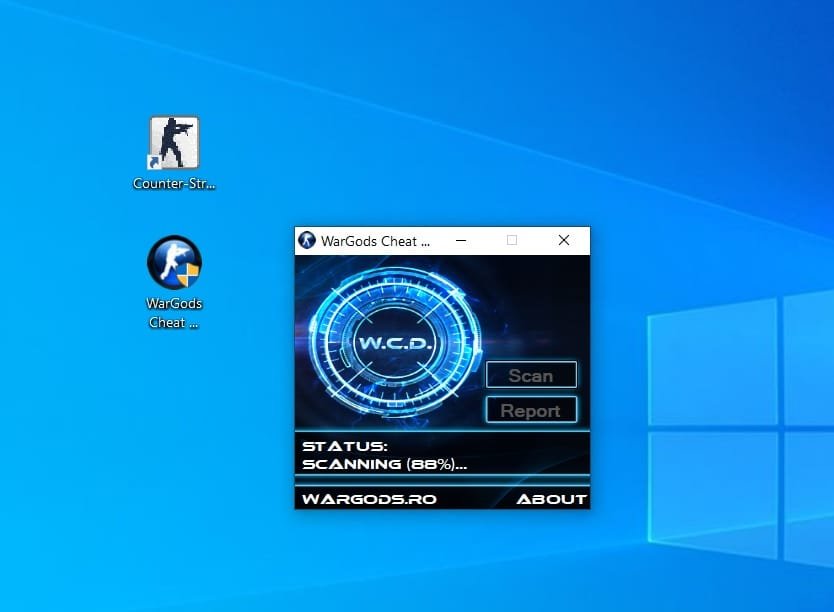
Wargods Check for Players

To set up and run a WarGods Cheat Defender (wCD) scan for Counter-Strike 1.6, you need to download the official tool, close conflicting software, run the executable, and share the generated report link.
Steps to Run a WarGods Scan
- Download tool: Get the official executable from the WarGods Cheat Defender site. [1]

- Run as Admin: Open the downloaded
wDC.exefile (right-click and choose Run as administrator if needed). - Start scan: Click the Verify or Scan button inside the WarGods application window.
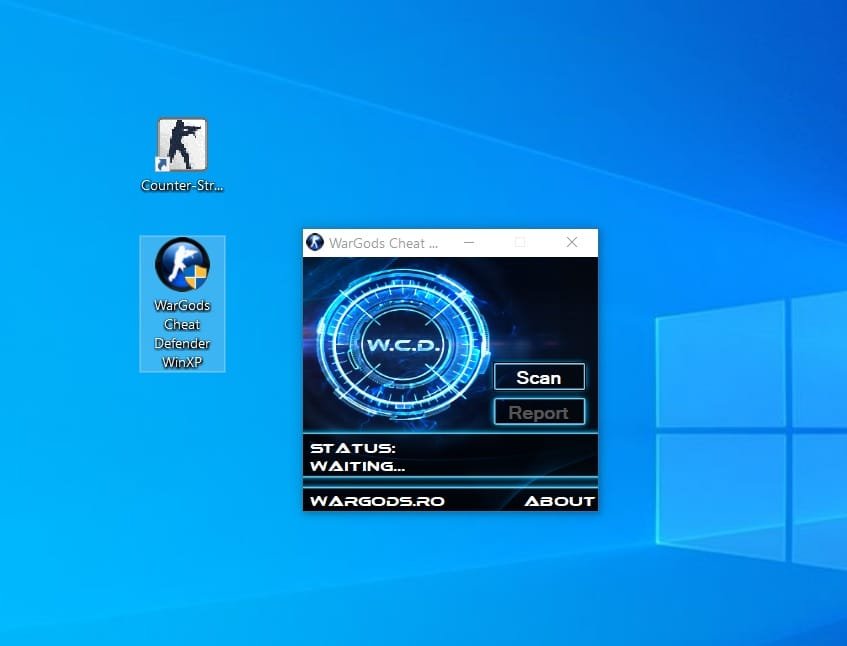
- Wait for completion: Let the tool fully check your system files, game folder, and active processes for injected DLLs
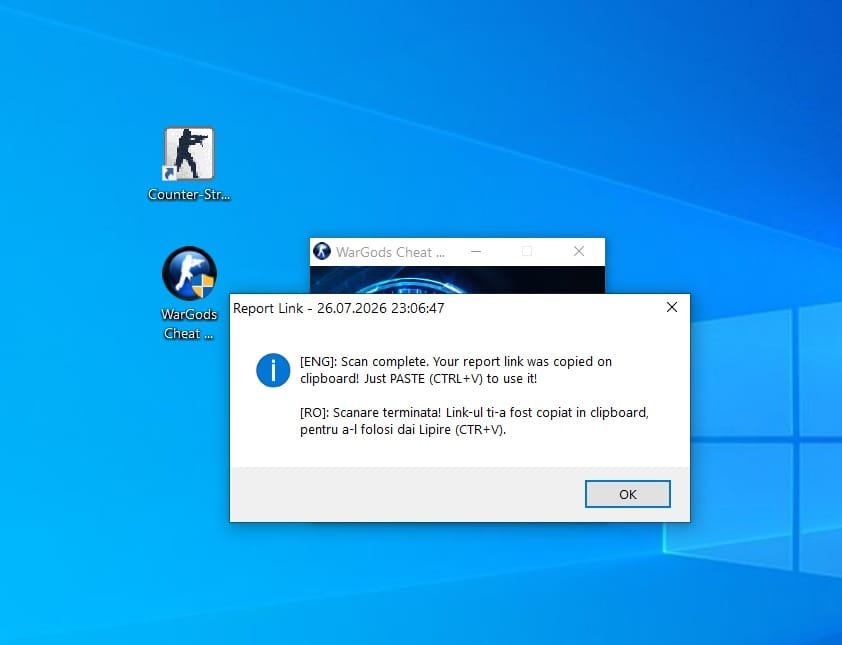
- Copy link: Once finished, a browser window will open automatically with your unique report ID/link. Copy that URL and paste it to the server admin or players requesting it. [1]
.
Scan Complete. Your report link was copied on clipboard! Just PASTE ( CTRL+V ) to use it !
example report link : https://www.wargods.ro/wcd/report.php?id=3150374