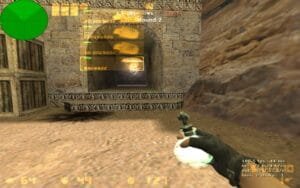
Amxx Round Message
The plugin is used to indicate which round, which map we are in, and the number of players on the server, in color from the starting number of each round .

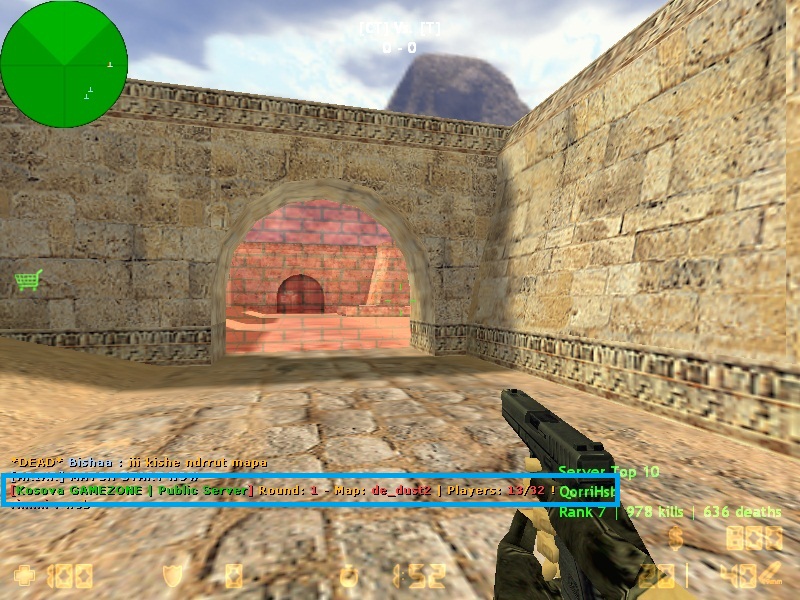
Cvar commands;
- amx_playsound 1 (On) 0 (Switch off) (Voice command)
- amx_chatmessage 1 (Open) 0 (Close) (Plugini on / off command)
.

.
Setup;
- 1. File “round_chat_msg.sma” to / cstrike / addons / amxmodx / scripting folder.
- 2. File “round_message.txt” to / cstrike / addons / amxmodx / data / lang folder.
- 3. “round_chat_msg.amxx” file to / cstrike / addons / amxmodx / plugins folder.
- 4. Add “round_chat_msg.amxx” to the bottom line of the /cstrike/addons/amxmodx/configs/plugins.ini file.
- 5. Finally restart the server, or change map.!
Related Posts:


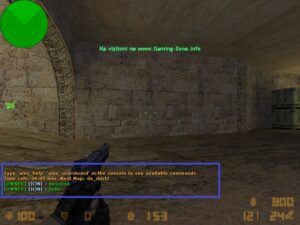


Descriptive 'Fire in the hole!' (+colors)
TOP PLUGINS
AMXX HUD TEAM SCORE & Round V3
Best Amxx Plugins
AMXX AFK Manager - Afk to Spec
TOP PLUGINS
Short Pallet for Dust2
TOP PLUGINS
Amxx Admin Prefixes
TOP PLUGINS
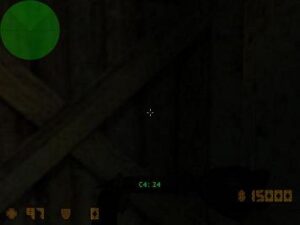
HUD C4 Timer AMXX Plugin
TOP PLUGINS
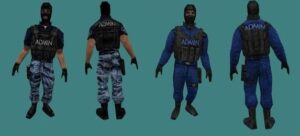
Simple Admin Models CS 1.6
TOP PLUGINS
Don't stay zoomed more than 3 sec.
Best Amxx Plugins
Amxx Ping Faker
TOP PLUGINS
About The Author